Tips and Troubleshooting
Note
If you are having any issues do not hesitate to Contact Us
Creating Curve Surfaces
In the default “Surface to Mesh” mode, the add-on uses curves to create mesh surfaces. The curves will be in interlocking ‘patches’, as described below.
To create 4 interlocking curves:
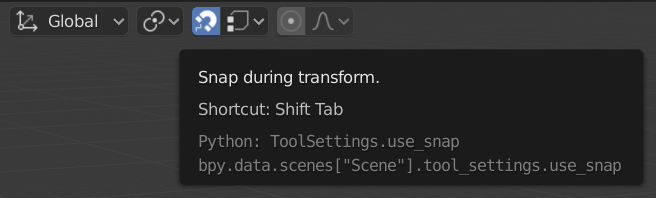
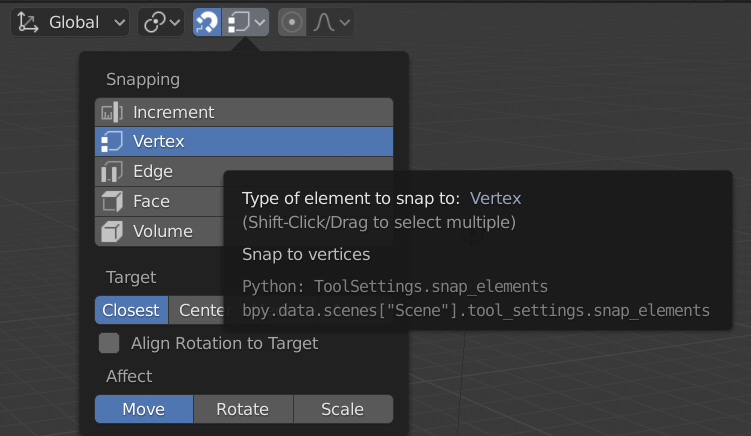
Ensure that the Snap during Transform magnet icon is selected and that the Snap Element type is set to Vertex. This will ensure you can create a curve that can snap to another curve’s corners:
Create 4 curves and arrange them in a 2x2 layout:
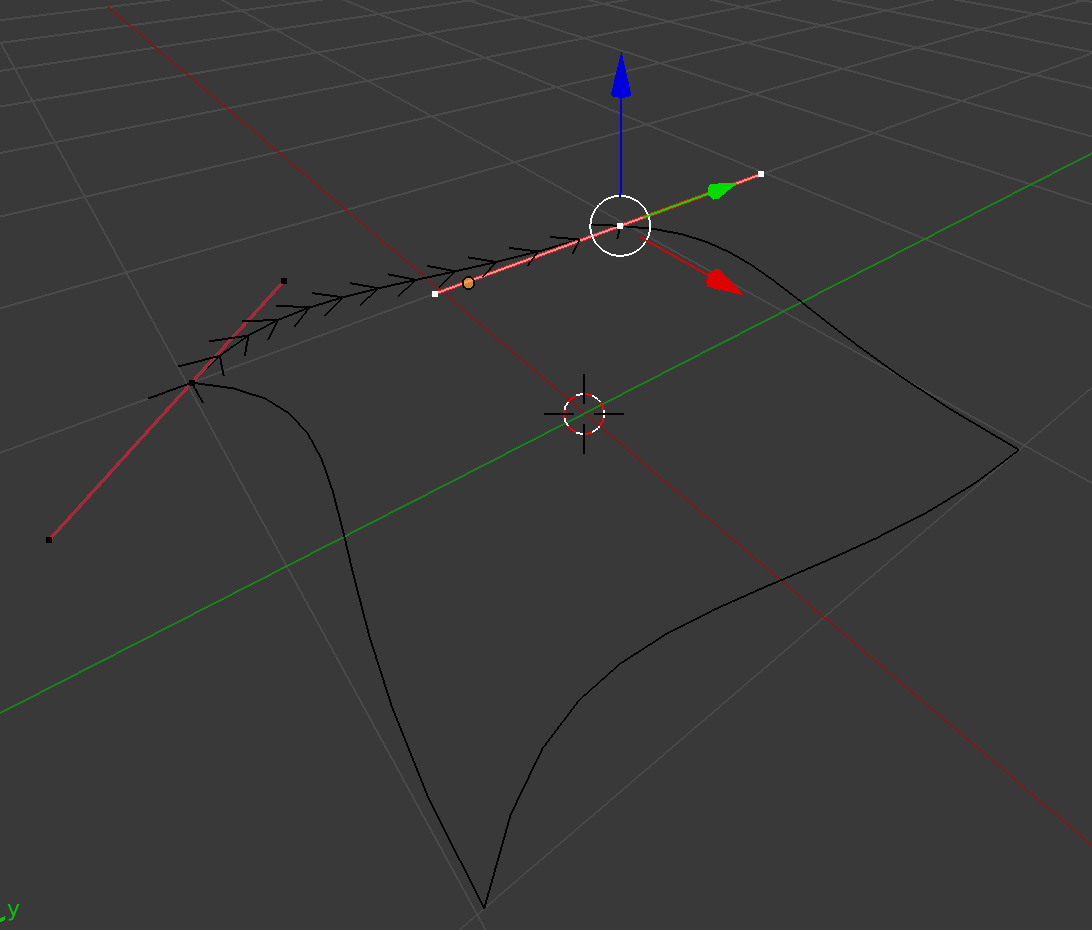
Note that you can add as many control points as you like to make complex layouts:
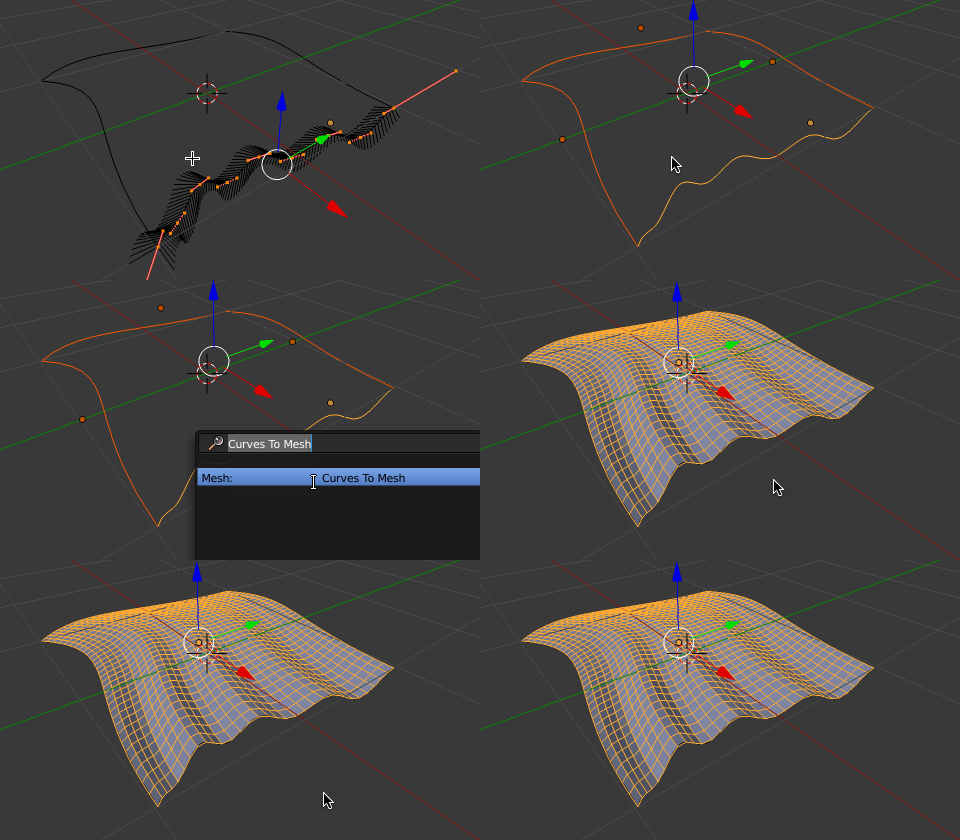
You an also create a network of interlocking 3 sided curves to create more complex surfaces:
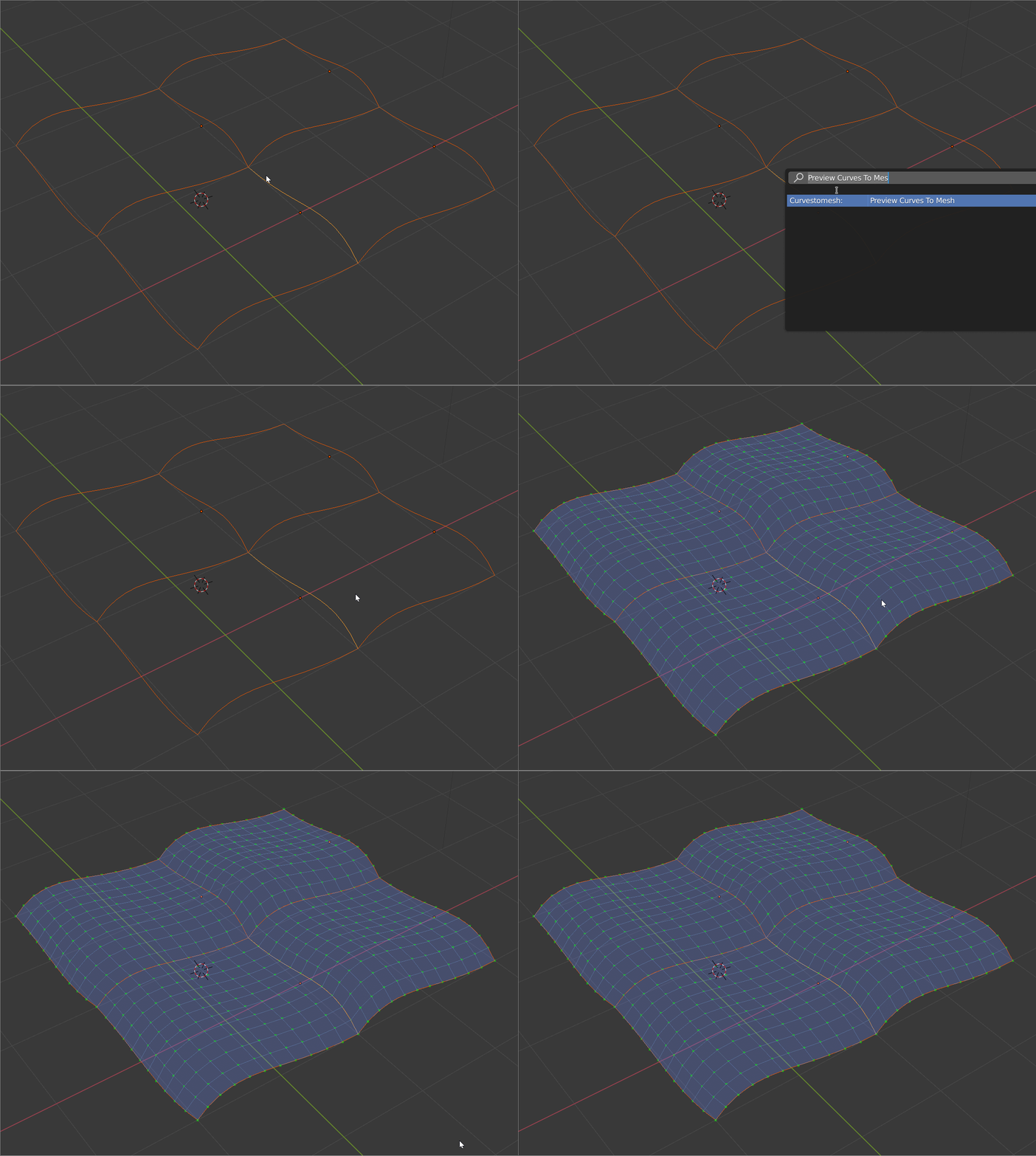
Tip
You can split the shapes into 4 by selecting the vertices to separate and pressing ‘p’:
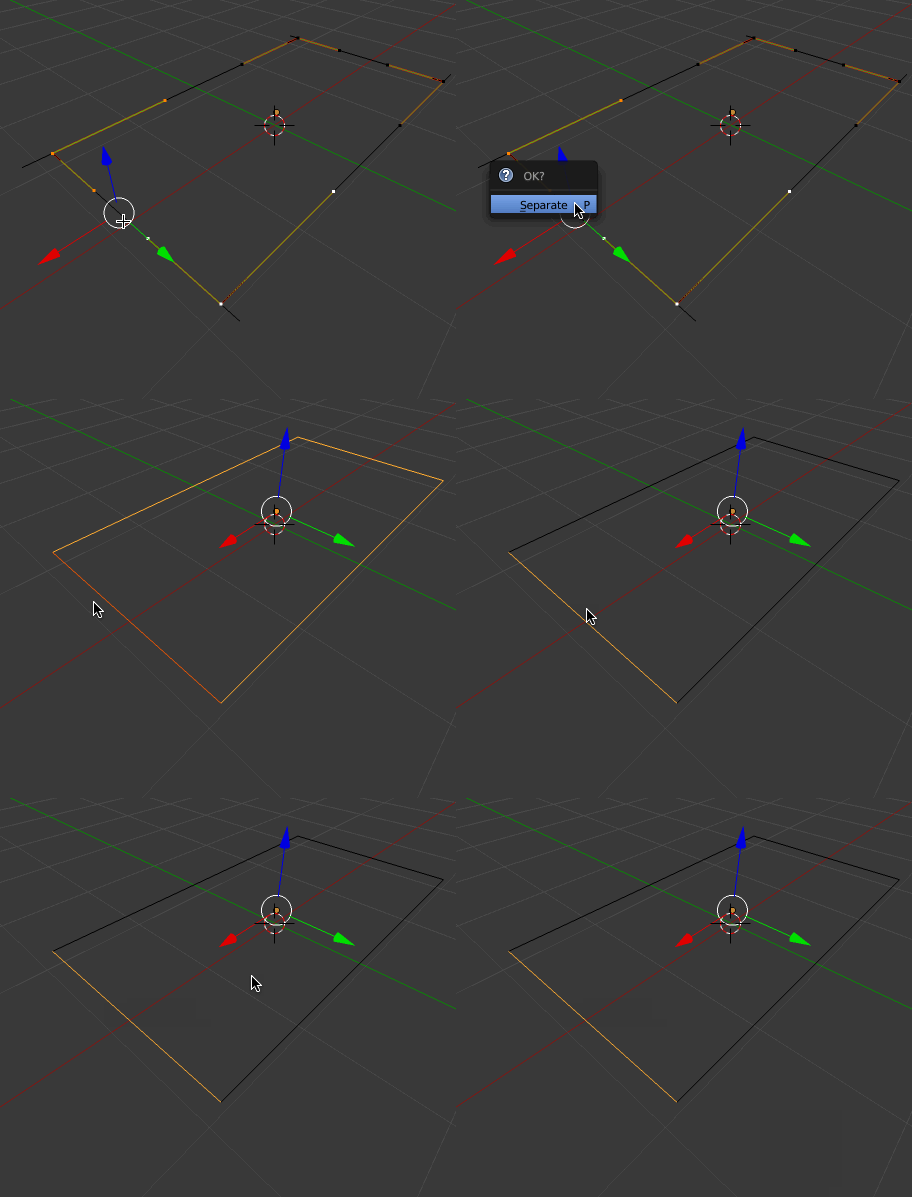
Extra Curve Objects
I recommend you install Add Curve: Extra Objects, freely available with the standard Blender installation. This will give you a lot more shapes to play with out of the box: